Report Templates are Word-style documents with variables that are filled with record data when a report is generated.
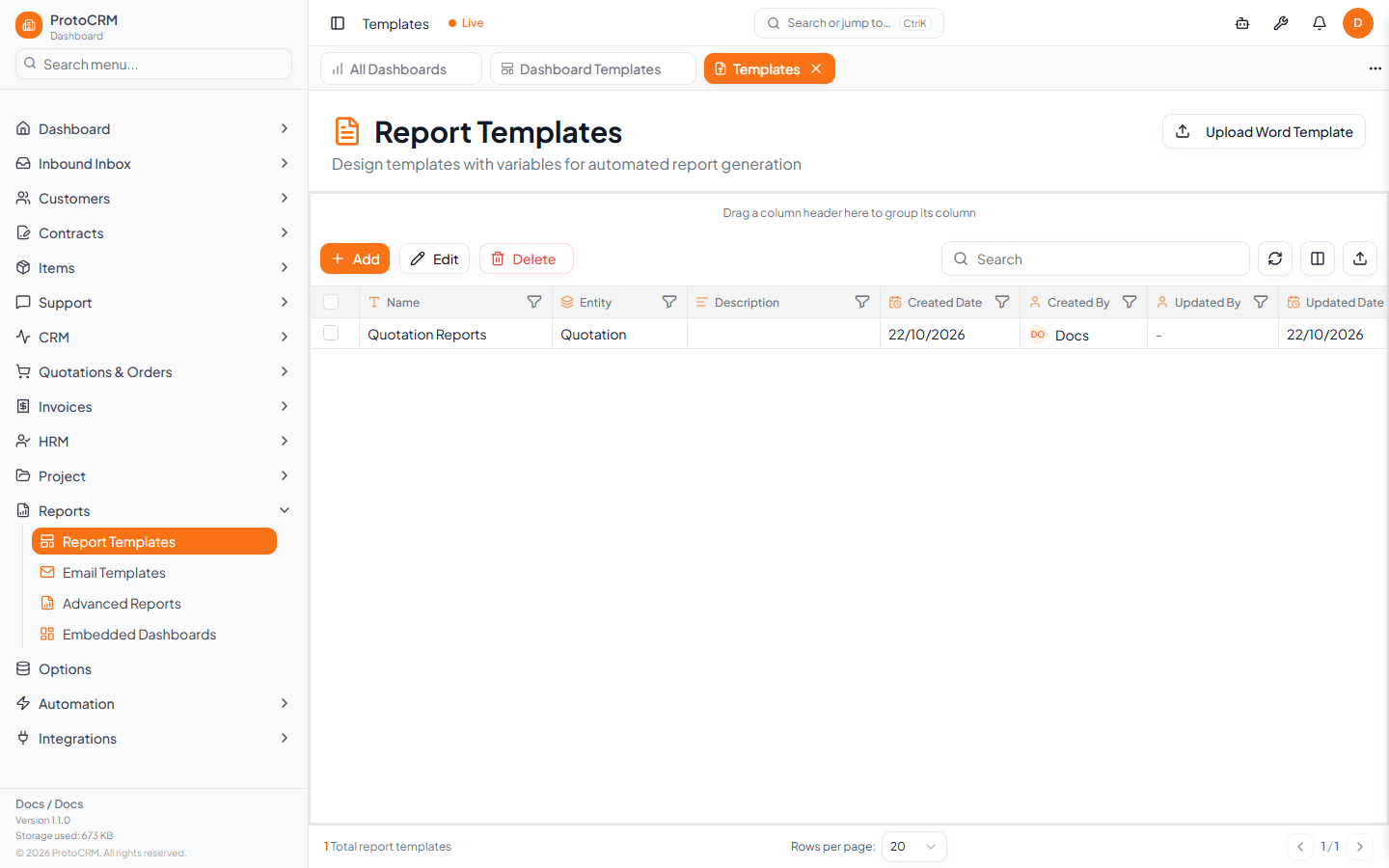
Where
/templates, titled Report Templates: "Design templates with variables for automated report generation".
Create a template
- Open
/templates. - Click Add to create a template, or Upload Word Template to import an existing Word document.
- In the Create Report Template dialog fill in Template Name (required), optionally Entity Type, Show in Reports and Description, then click Create & Design.
- Design the document and its variables in the template editor (opens at
/editor/<docId>).
Grid columns
Name, Entity, Description, Created/Updated By and Date, and Show in Reports. To change a template, select exactly one row and click Edit.
Generate
Generate reports from entity pages (Customers, Orders and so on). Results are listed under /reports (Generated Reports).
Tips
- Upload an existing .docx rather than rebuilding layout by hand.
- Turn off Show in Reports to hide a template without deleting it.