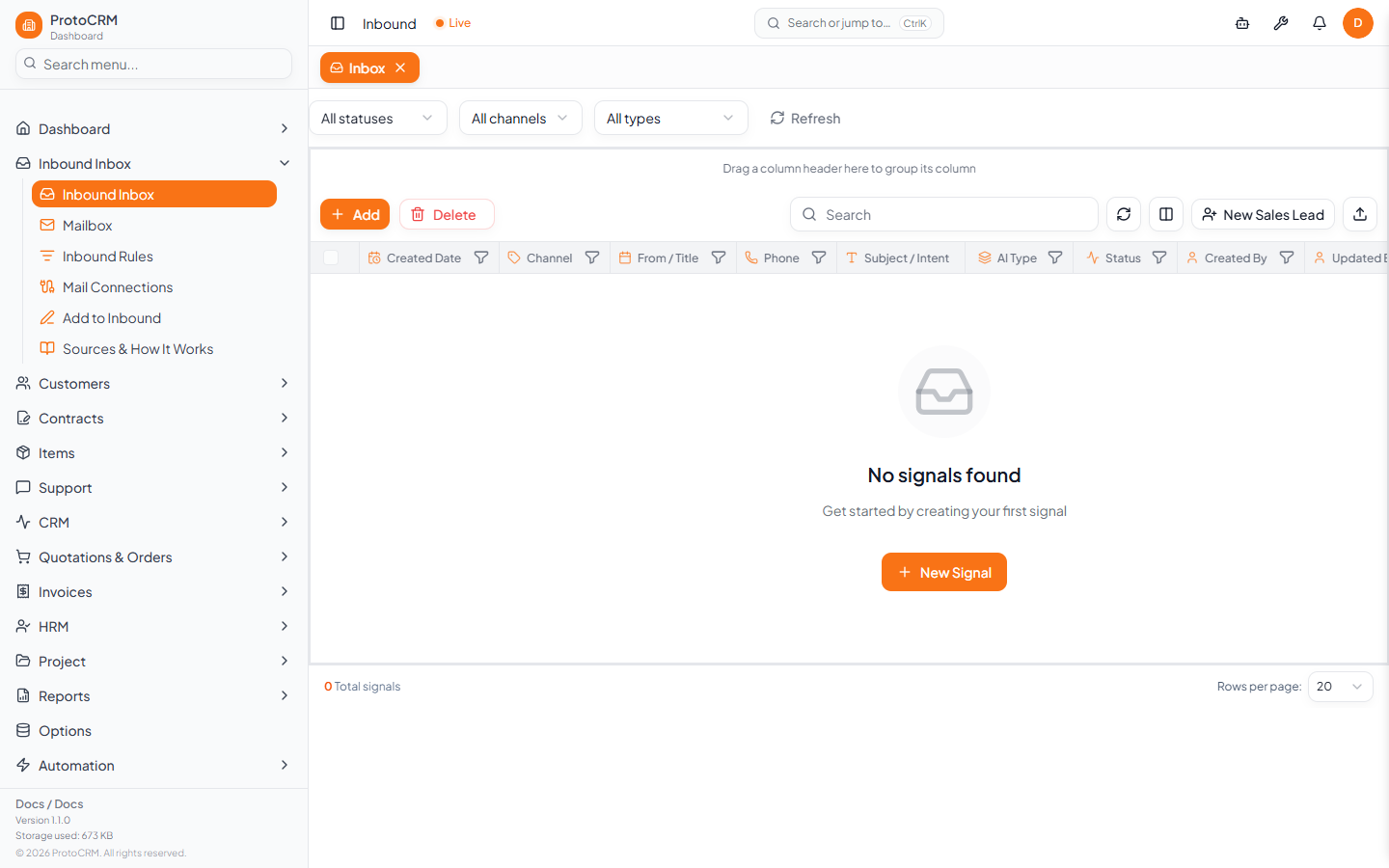
The Inbox (/inbound) lists every incoming item (called a signal). Use it to check what the AI decided and to convert items that were not created automatically.
Steps
- Open Inbound Inbox in the sidebar. Filter by status, channel or type (All statuses, All channels, All types).
- Click an item to open its detail page. Review AI Summary, AI Priority, Classification, Extracted Data and Identity Resolution.
- Check the customer. Under Probable Matches pick the right one, or use Not the right match? Search & link a customer. With no match, fill in the new customer details.
- Convert it:
- Convert to Lead (Create Lead): creates a contact and a CRM pipeline entry, linked to an existing customer if one matches.
- Convert to Support Ticket (Create Ticket): creates a support ticket linked to the signal. Department and Category are required.
- Or Dismiss it if it needs no action.
Other actions
- Edit AI Analysis if the AI got it wrong; a low-confidence warning asks you to verify category and routing first.
- Reprocess / Retry Pipeline for failed items (Failure Details show why).
- Add a note with Save Note. Delete Signal removes it permanently.
Tips
- Items with Converted status already have a lead or ticket.
- A reply with the same email or phone within 24 hours joins the earlier ticket automatically.