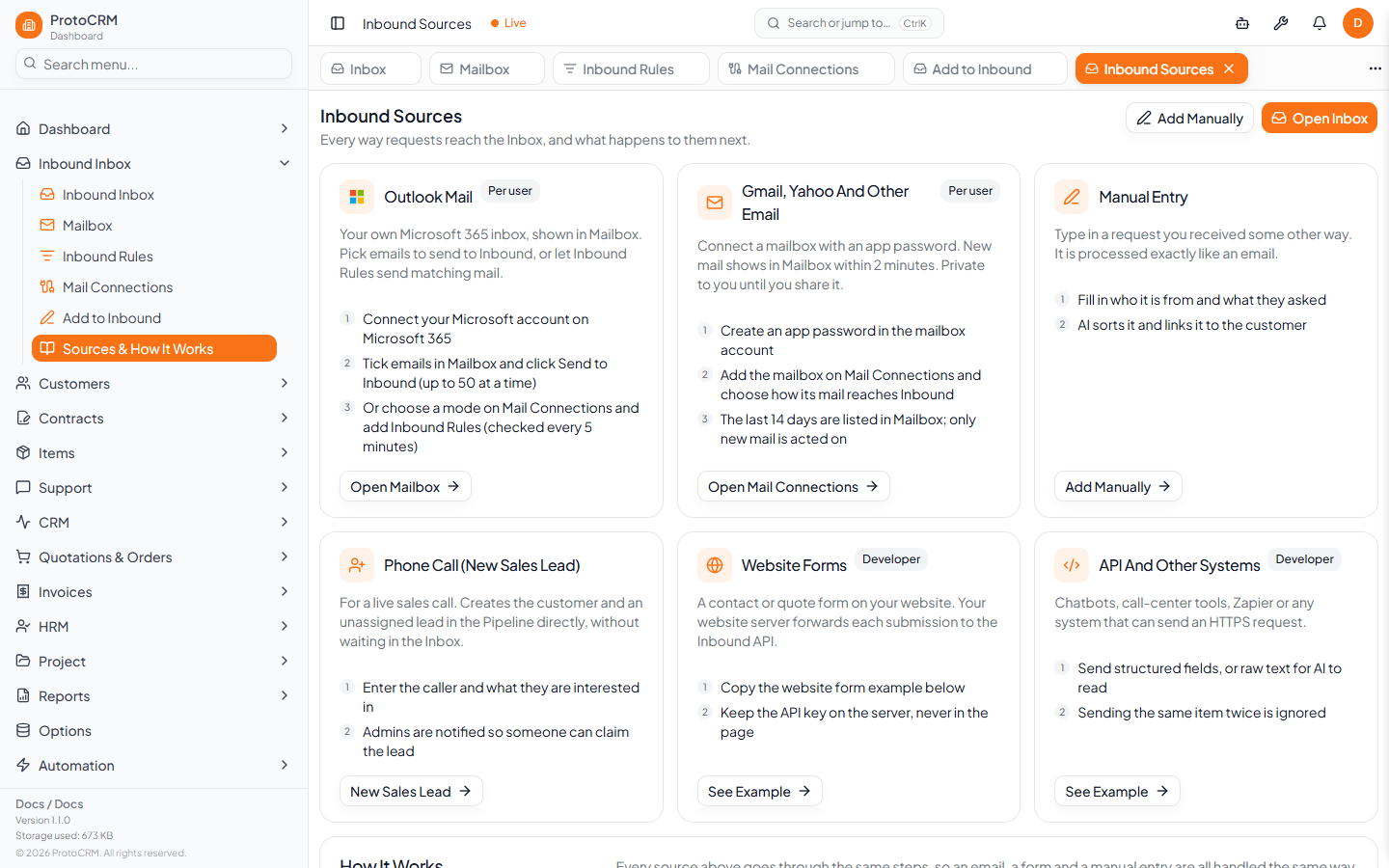
Websites, chatbots and other systems can send requests with POST /api/inbound. Copy-paste examples are on Sources & How It Works (/inbound-sources).
Request
- Header
Authorization: Bearer YOUR_INBOUND_API_KEY. The key is theINBOUND_API_KEYenvironment variable of the ProtoCRM server, so it is not issued in the app: whoever runs your ProtoCRM installation sets it and gives it to you. A missing or wrong key returns 401. - Header
Content-Type: application/json. - Organization: the
x-organization-idheader ororganizationIdin the body (the header wins). Without either, the call fails with 422.
| Field | Notes |
|---|---|
channelType | voice, email, form or chat (aliases such as call, web, chatbot, mail; unknown values become form) |
provider | Free text, e.g. website; defaults to generic |
externalId | Your own unique ID; used to ignore duplicates |
structured | true to send fields, otherwise send rawText |
contact | name, email, phone, company, taxId (structured) |
content | subject, message, transcript (structured) |
rawText | Required when not structured; AI extracts the fields |
Example (structured)
{
  "organizationId": "YOUR_ORG_ID",
  "channelType": "form",
  "provider": "website",
  "externalId": "contact-form-12345",
  "structured": true,
  "contact": { "name": "Maria Papadopoulou", "email": "maria@example.com" },
  "content": { "subject": "Quote request", "message": "We need a quote." }
}
A successful response includes { "success": true, "duplicate": false, "signalId": "...", "status": "queued" }. Sending the same externalId again returns "duplicate": true.
Tips
- Call it from your server, never from the browser page: the key must stay secret.
- The item then follows the normal steps in inbound/how-it-works.