A trigger is the event that starts a workflow. Browse them at Automation > Triggers (/automations/triggers), which shows the trigger catalog with event keys and whether each is active. You can search, filter by category or status, and switch a catalog entry active or inactive.
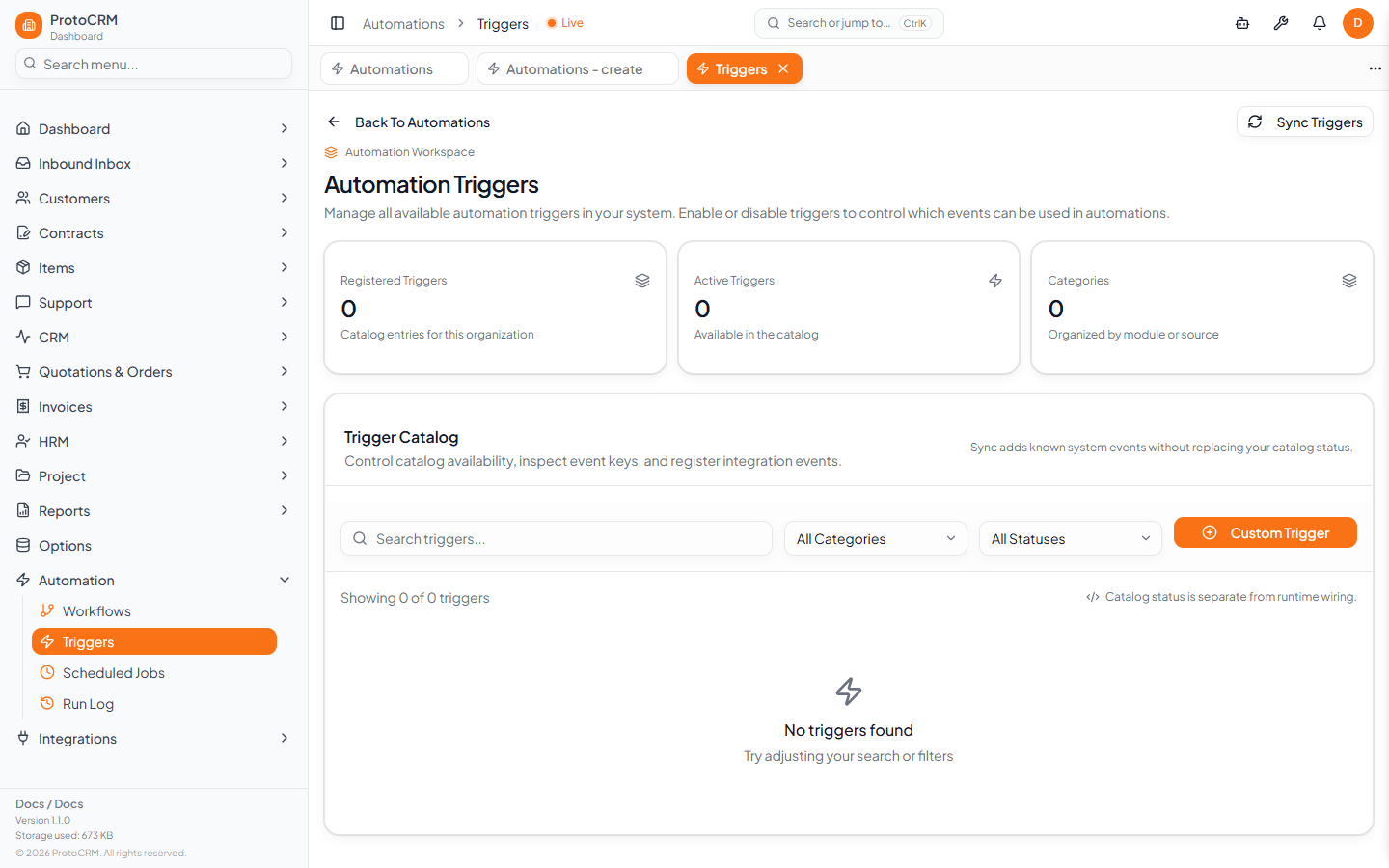
Sync Triggers adds the known system events to your catalog without replacing the status of entries you already have. Custom Trigger registers a catalog entry only; it does not create a live event source, so the event must be wired into the system before a workflow can use it.
Built-in triggers
| Area | Trigger keys |
|---|---|
| Customers | customer_created, customer_updated, customer_deleted, customer_bulk_deleted, customer_synced_to_erp |
| Contacts | contact_created, contact_updated, contact_deleted, contact_converted |
| Projects | project_created, project_updated, project_status_changed |
| Orders | order_created, order_updated, order_deleted, order_status_changed |
| Quotations | quotation_created, quotation_updated, quotation_deleted, quotation_status_changed, quotation_converted_to_order |
| Support | support_created, support_assigned, support_resolved, support_closed, support_minutes_low, support_minutes_depleted |
| CRM | crm_created, crm_updated, crm_deleted, crm_stage_changed |
| Contracts | contract_created, contract_updated, contract_deleted, contract_expires_soon, contract_expired |
| Licenses | license_created, license_updated, license_deleted, license_expires_soon, license_expired |
| Inbound calls | inbound_call_received, _classified, _assigned, _crm_linked, _failed |
| Items | item_created, item_updated, item_deleted |
| Sellers | seller_created, seller_updated, seller_deleted |
Class (custom entity) triggers
Admin-built or cloned entities fire class.<entityName>.<event>, for example class.customerV2.created. Events: created, updated, deleted, plus expiresSoon and expired for tables with the contract-expiry behavior (fired by the scheduled end-date check).
Time-based triggers
The *_expires_soon / *_expired style events and any custom event can be fired on a timetable with Scheduled Jobs (see automation/scheduled-jobs).
Tips
- Pick the most specific trigger (for example
order_status_changedinstead oforder_updated) and narrow further with conditions. - If a trigger is missing from the list, click Sync Triggers.