Every item that reaches Inbound goes through the same steps. You can see them on Sources & How It Works (/inbound-sources).
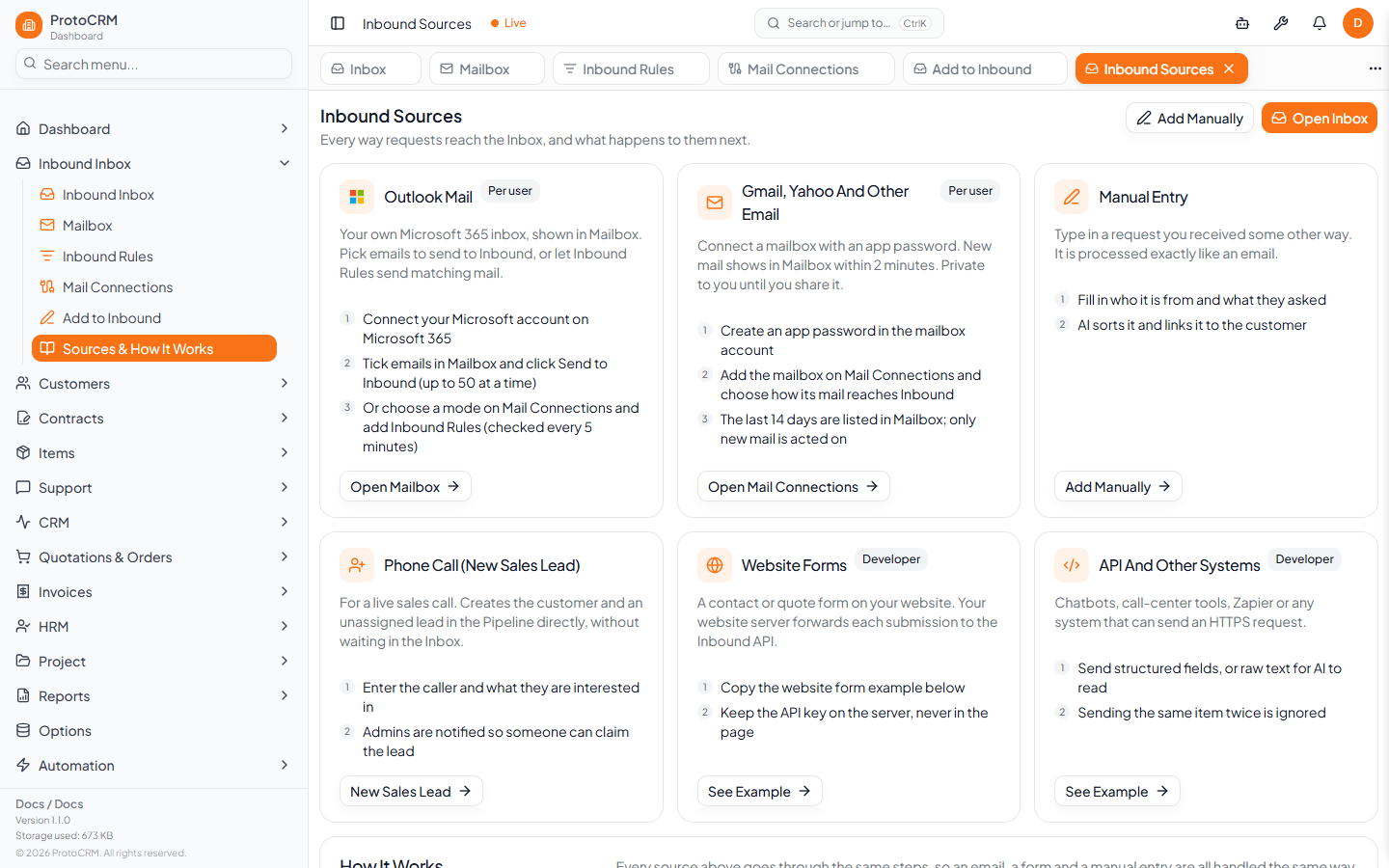
Sources
| Source | How it arrives |
|---|---|
| Outlook Mail | Microsoft 365 mailbox, shown in Mailbox |
| Gmail, Yahoo, other email | IMAP mailbox with an app password |
| Manual entry | Add to Inbound |
| Phone call (New Sales Lead) | Creates the customer and an unassigned lead in the Pipeline directly |
| Website forms, API, other systems | POST /api/inbound |
Processing steps
- Received: saved in the Inbox. Duplicates (same email or same external ID) are ignored.
- Read by AI: raw text becomes name, email, phone, subject and message. Structured items skip this step.
- Sorted: sales and general requests become leads. Support, billing, complaints and urgent issues become tickets.
- Sender Matched: the sender is matched to Customers and Contacts (strong, partial or none).
- Grouped: a new message with the same email or phone within 24 hours is added to the sender's earlier ticket.
- Created or Waiting: the lead or ticket is created automatically only if auto-create is on for the channel (email, or web form and chat; phone calls are always manual), the AI is at least 80% sure and the sender is a strong match. Otherwise it waits in the Inbox for someone to convert it.
Tips
- Include email, phone or VAT in the request: it makes customer matching reliable.
- Items that wait in the Inbox are never lost; open them from the Inbox to convert.