Record leave requests and other approval requests with an approver.
Request a leave
- Go to HRM > Leave and click Add.
- Fill in the form.
- Save. You can open the record later at
/leaves/{id}.
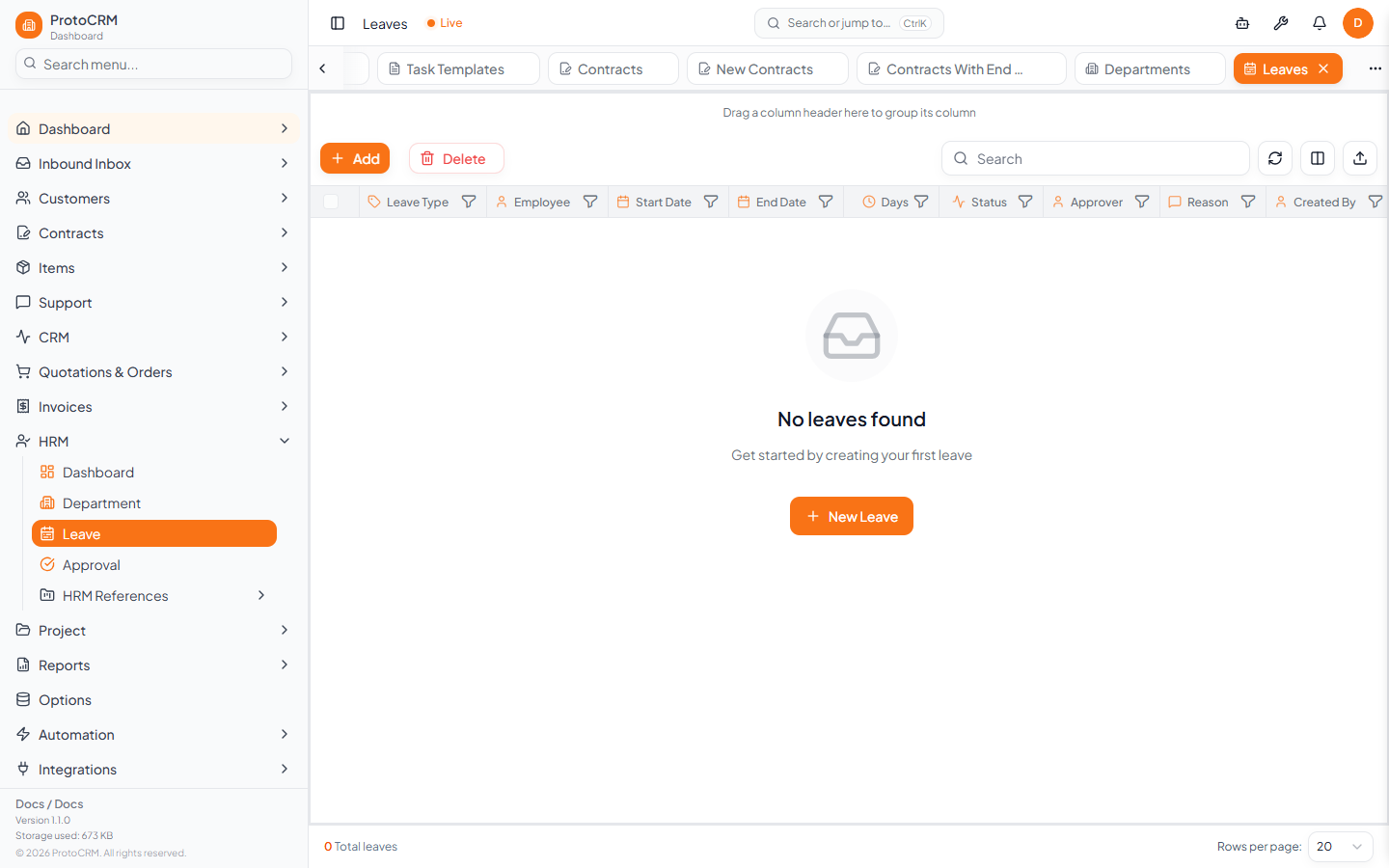
| Field | Notes |
|---|---|
| Employee | Required; who is on leave |
| Approver | Optional |
| Leave Type | Required; free text |
| Start Date, End Date | Required |
| Days | Calculated from the dates (inclusive) |
| Reason | Optional |
| Status | Free text; new leaves are Pending when left empty |
Create an approval
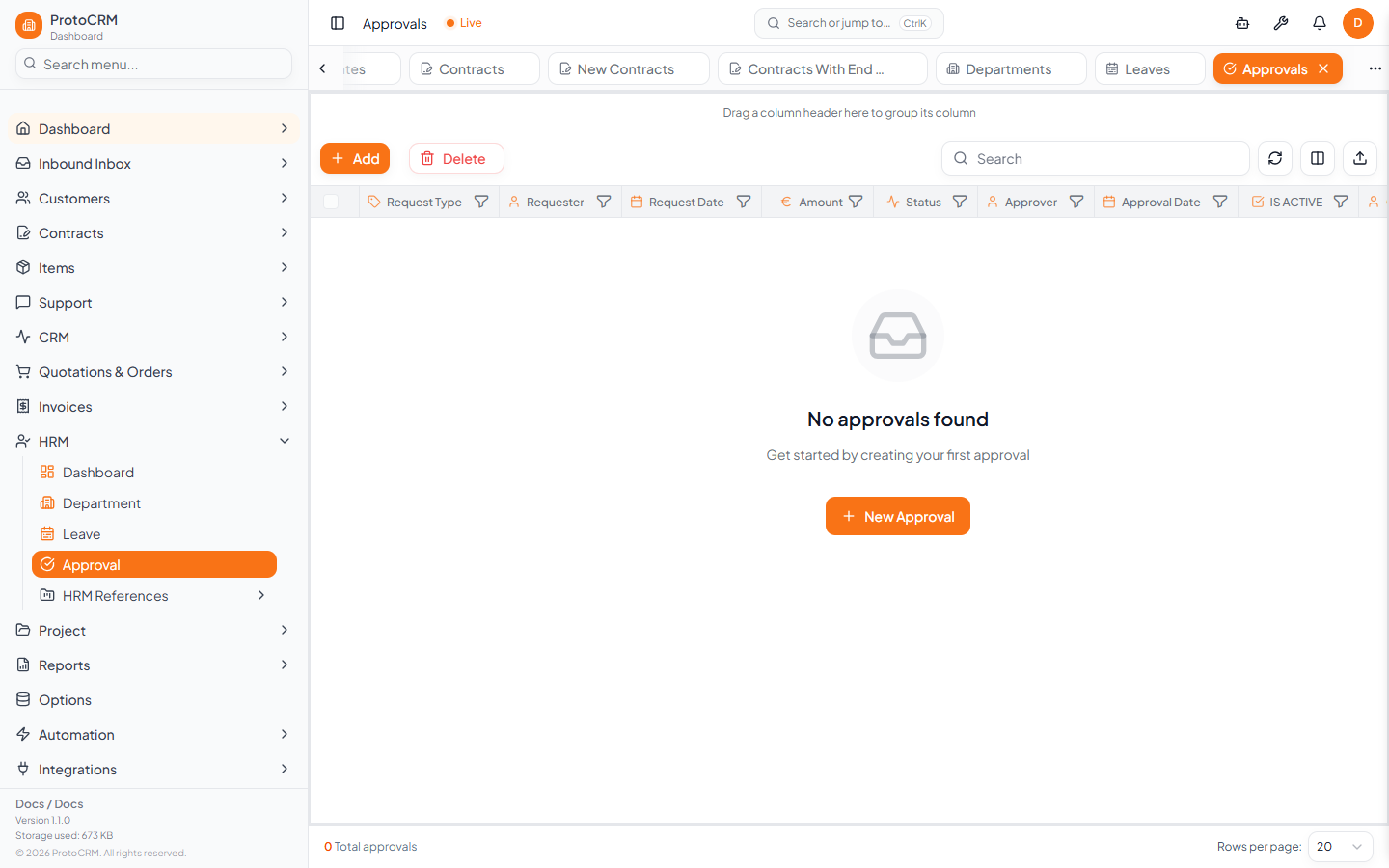
- Go to HRM > Approval and click Add.
- Choose the Requester (required) and optional Approver, enter the Request Type and Request Date (both required), plus Amount, Related Entity ID and Comments.
- Set the Status: Pending, Approved, Rejected or In Review. Add the Approval Date when decided.
- Save.
Tips
- Both records are listed in grids with the usual filters, sorting and column choices.
- Update the status on the record when the approver decides.