Templates let you start a dashboard from a ready-made layout. Your copy stays private until you share it.
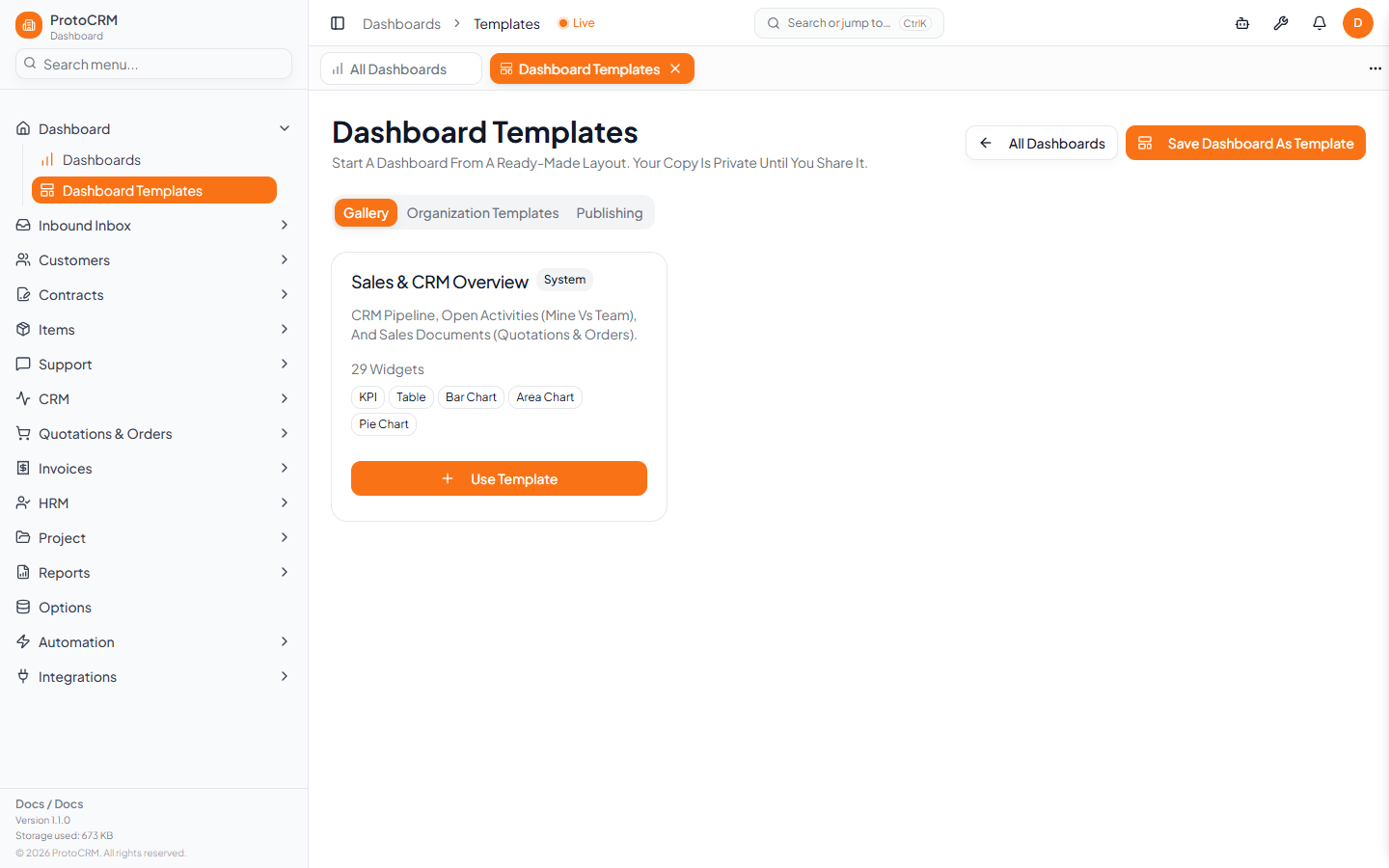
Where
/dashboards/templates (the Templates button on the dashboards list).
Use a template
- Open
/dashboards/templates. - In the Gallery, pick a template and click Use Template.
- Edit the copy in the dashboard editor.
For managers
Users who can manage templates see extra tabs and a button:
| Item | Purpose |
|---|---|
| Gallery | Browse available templates |
| Organization Templates | Templates belonging to your organization |
| Publishing | Publish dashboards to the organization |
| Save Dashboard As Template | Turn a dashboard into a reusable template |
Tips
- Use All Dashboards to return to your list.
- Platform admins also have a template admin page at
/admin/dashboard-templates. - Exact sharing permissions are enforced by the app; if a button is missing you lack that permission.