Data Reports are banded reports with grouping, charts and PDF/Excel export, built in a visual designer (DevExpress Reporting).
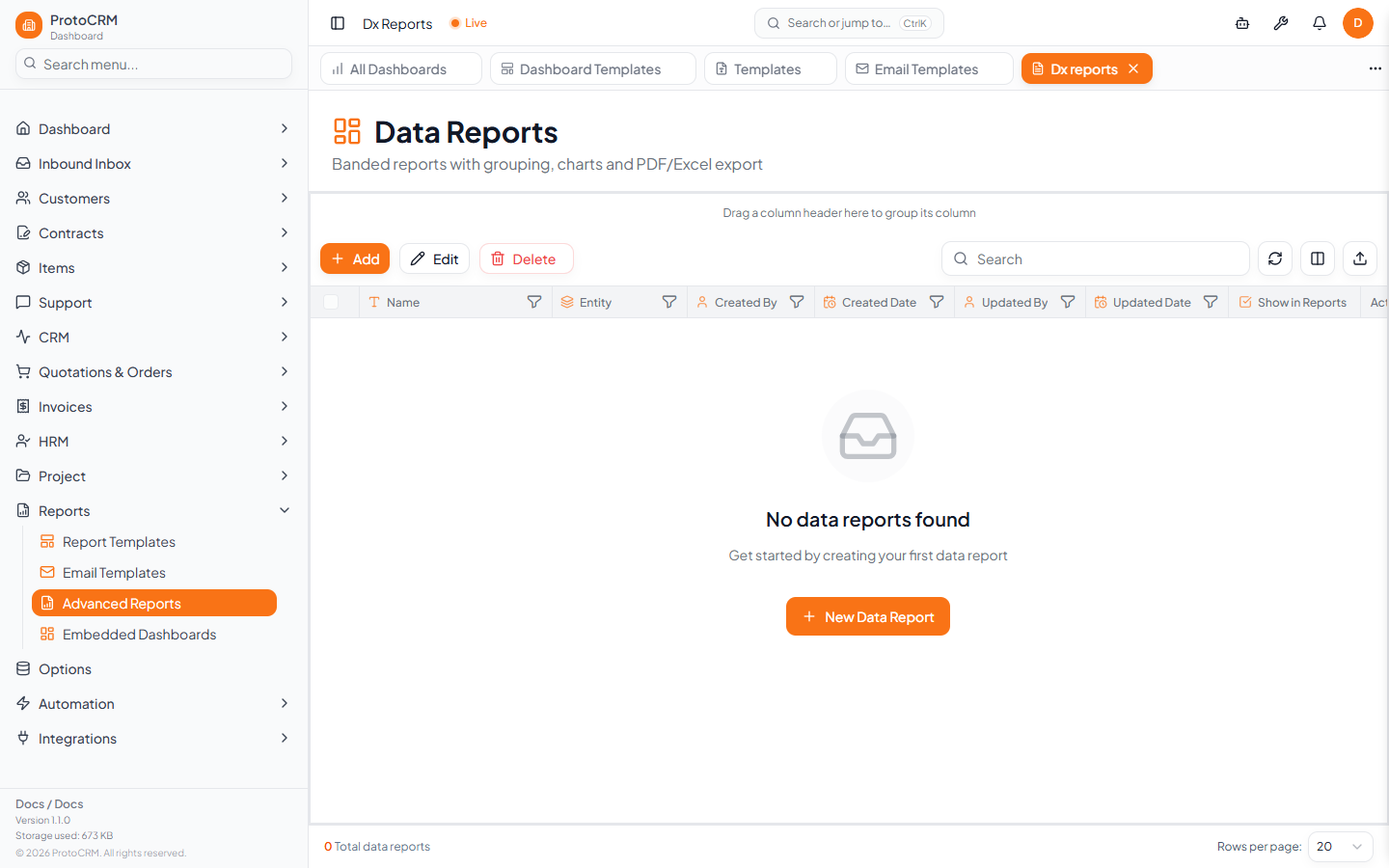
Where
/dx-reports, titled Data Reports. The designer opens at /dx-reports/designer and the viewer at /dx-reports/viewer.
Steps
- Open
/dx-reportsand click Add (or New Data Report). - In Create Data Report enter Report Name (required), optionally an Entity Type and Show in Reports, then click Create & Design.
- Design the bands, grouping and charts in the designer, then save.
- In the list, use the row action View to open the report in the viewer.
- To rename or change settings, select one row and click Edit.
Grid columns
Name, Entity, Created/Updated By and Date, Show in Reports, and row actions View and Delete.
Tips
- The page accepts an entity filter from links on records, so you may arrive with a pre-filtered list.
- This tool is for data reports only; for Word documents use Report Templates.
- It needs the reporting service configured by your administrator; if the designer will not load, contact them.