A workflow (also called an automation) runs actions automatically when something happens in ProtoCRM: a trigger fires, optional conditions are checked, then the actions run.
Where to find it
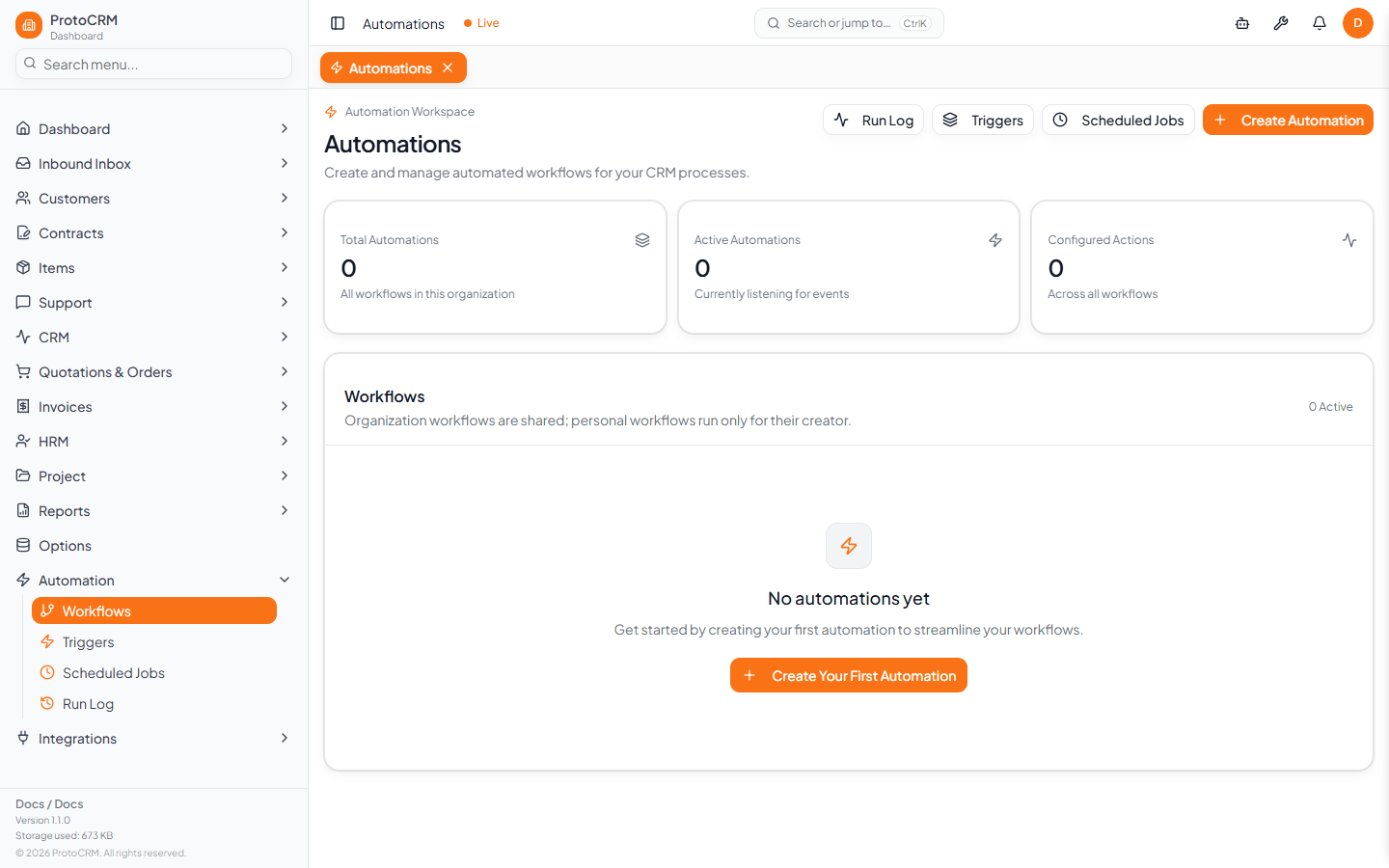
Sidebar group Automation:
| Page | URL | Purpose |
|---|---|---|
| Workflows | /automations | List, create, edit, pause, delete workflows; open per-workflow History |
| Triggers | /automations/triggers | Catalog of events workflows can listen to |
| Scheduled Jobs | /automations/scheduled-jobs | Cron schedules that fire trigger events |
| Run Log | /automations/run-log | Every trigger that was received and what happened |
How a workflow runs
- An event happens (for example a customer is created) and its trigger fires.
- Every active workflow listening to that trigger is evaluated.
- If the workflow has Conditions, they must pass.
- The workflow's Actions run (email, notification, webhook, ticket, and so on).
- The result is written to the Run Log.
Tips
- A new workflow can be created Enabled or left paused; paused workflows never run.
- Workflows can be organization-wide (any user triggers them) or personal (only your own actions trigger them).
- Start with a single action, test it, then add more.
See also: automation/create-workflow, automation/triggers, automation/actions, automation/run-log.