The Inbound group collects incoming requests (emails, calls, web forms, chats) in one place, sorts them with AI and turns them into leads or support tickets. In the sidebar it is the Inbound Inbox group.
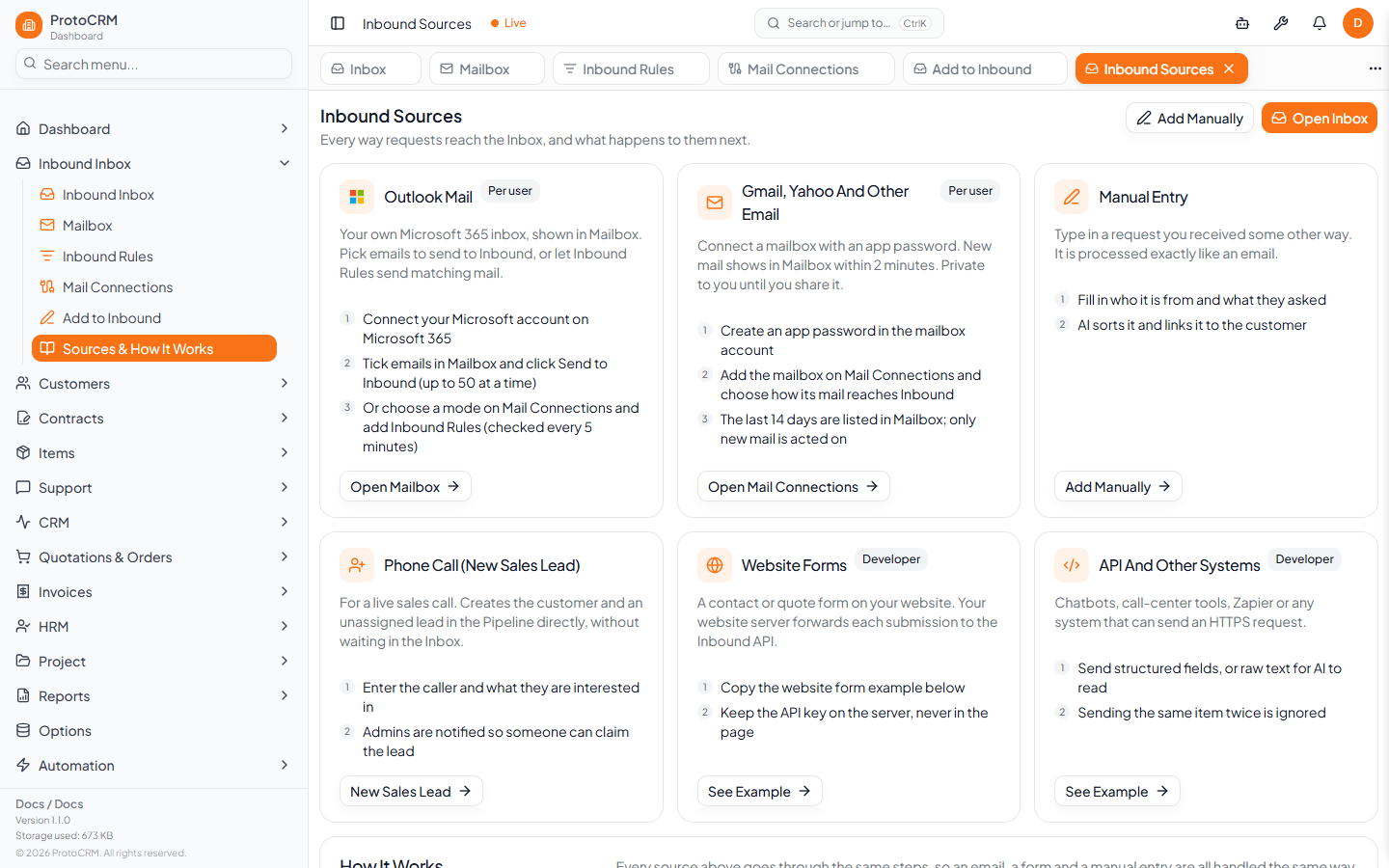
Pages in the Inbound group
| Page | Route | Use it to |
|---|---|---|
| Inbox | /inbound | Review incoming items and convert them to a lead or ticket |
| Mailbox | /mailbox | Read connected email and send chosen emails to Inbound |
| Inbound Rules | /inbound-rules | Decide which emails go to Inbound automatically |
| Mail Connections | /mail-connections | Connect mailboxes and set how their mail reaches Inbound |
| Add to Inbound | /inbound-new | Log a request received by phone, in person or elsewhere |
| Sources & How It Works | /inbound-sources | See every source, the processing steps and API examples |
Guides
- inbound/how-it-works
- inbound/connect-mailbox
- inbound/create-rule
- inbound/inbox-triage
- inbound/add-manually
- inbound/api
Tips
- Start with Mail Connections, then add Inbound Rules once mail is flowing.
- Everything that arrives is processed the same way, whatever its source.