Dashboards are pages of widgets (KPIs, charts, tables) that you arrange yourself.
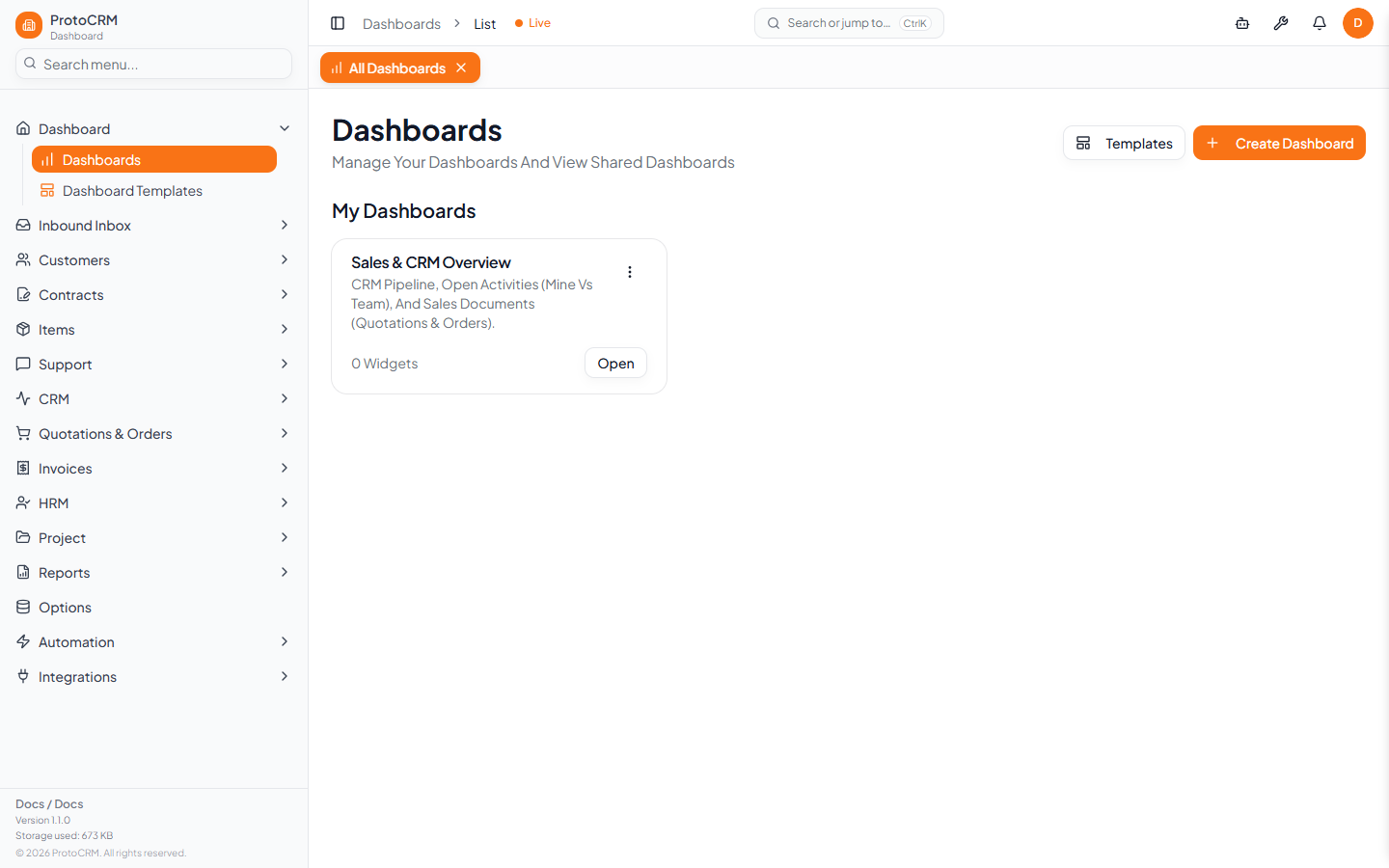
Where
/dashboards: opens your dashboard with its widgets. Buttons: create a dashboard, or go to the full list./dashboards/list: all dashboards you own, plus dashboards shared with you ("Shared by ...")./dashboards/edit: the editor.
Create a dashboard and add widgets
- On
/dashboards/listclick Create Dashboard. - Name it and open the editor.
- Add a widget: pick a type, give it a Title, or describe the widget and let AI set it up. You can fine-tune it afterwards.
- Drag and resize widgets on the grid, then save.
Widget types: KPI, Number, Bar chart, Line chart, Area chart, Pie chart, Radar chart, Radial chart, Table.
Dashboard card menu
View, Edit, Duplicate, Set as default / Clear default, Delete. Deleting removes the dashboard and all its widgets permanently. Shared dashboards show View, and Edit only if you have edit permission.
Tips
- Your default dashboard is the one shown at
/dashboards. - Use Duplicate before experimenting with a dashboard.
- To start from a ready-made layout, see Dashboard templates.